The Help Chat is your primary point of contact with the Ninja Excel support team. Use it to resolve questions, report technical issues, and manage platform-related requests.
In this article, you will learn:
Which support channels are available.
Business hours and response times.
What is included in technical support.
Available support channels
Support is provided exclusively through the following two official channels:
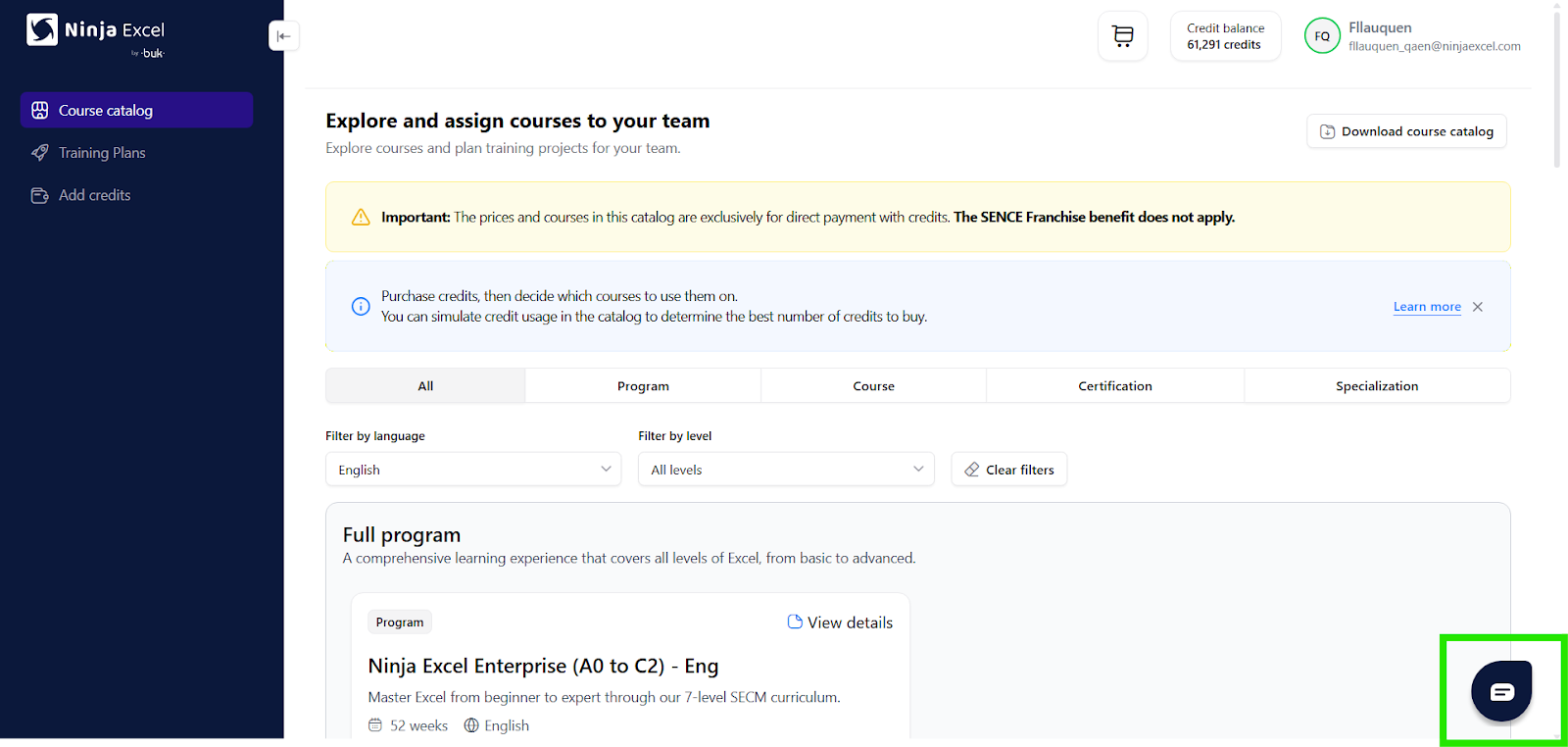
Help Chat: Accessible by clicking the icon located in the lower-right corner of the Admin Center.
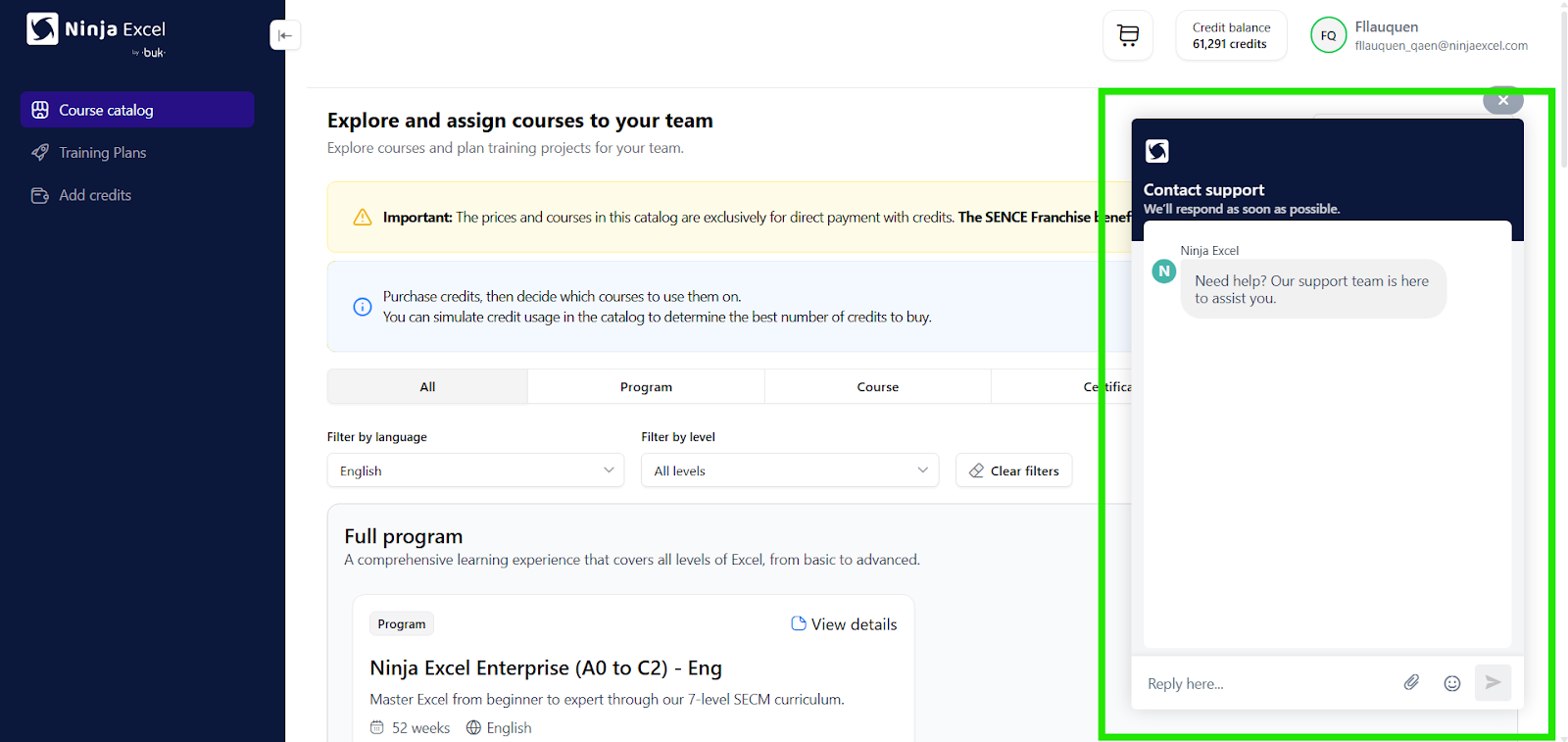
Email: Contact us directly at support@ninjaexcel.com.
Estos canales están orientados a:
Consultas operativas
Apoyo en incidencias
Resolución de dudas sobre el uso de la plataforma
Support hours and response times
The support team is available during the following days:
Monday to Friday.
Excludes public holidays.
International time differences: Support hours are calculated based on the local time in Chile. Please consider the following examples to determine your local support window:
USA
Eastern Time (ET): 09:00 AM – 08:00 PM
Central Time (CT): 08:00 AM – 07:00 PM
Mountain Time (MT): 07:00 AM – 06:00 PM
Pacific Time (PT): 06:00 AM – 05:00 PM
Alaska Time (AKT): 05:00 AM – 04:00 PM
Hawaii-Aleutian Time (HAT): 03:00 AM – 02:00 PM
EUR
Western European Time (WET): 14:00 – 01:00 (Portugal, Reino Rico, Irlanda)
Central European Time (CET): 15:00 – 02:00 (España, Francia, Italia, Alemania, Polonia)
Eastern European Time (EET): 16:00 – 03:00 (Grecia, Finlandia, Ucrania, Rumania)
Further-eastern European Time (FET): 17:00 – 04:00 (Bielorrusia, Turquía, Moscú)
Important: Requests are only managed during these specified business hours.
Additionally, initial response times may vary depending on:
Current ticket volume.
Complexity of the request.
Request prioritization
Requests are prioritized based on several factors, starting with:
Order of receipt.
Operational impact level.
Additionally, internal prioritization criteria may apply based on:
Client type.
Contracted service level.
Best practices for fast support
To ensure the best experience:
Always use official channels.
Provide as much detail as possible in your initial request to help us diagnose the issue faster.
If you need assistance, log in to your Admin Center and reach out via the Help Chat. Our team is ready to support you during our regular business hours.
Was this article helpful?
That’s Great!
Thank you for your feedback
Sorry! We couldn't be helpful
Thank you for your feedback
Feedback sent
We appreciate your effort and will try to fix the article